
Nintendo Show 3D (11/22/12)
Posted on 13 years ago by Brian(@NE_Brian) in 3DS, Videos | 0 comments
On this week’s episode: 3DS action adventure games, platformers, RPGs, puzzle titles, and simulation games.
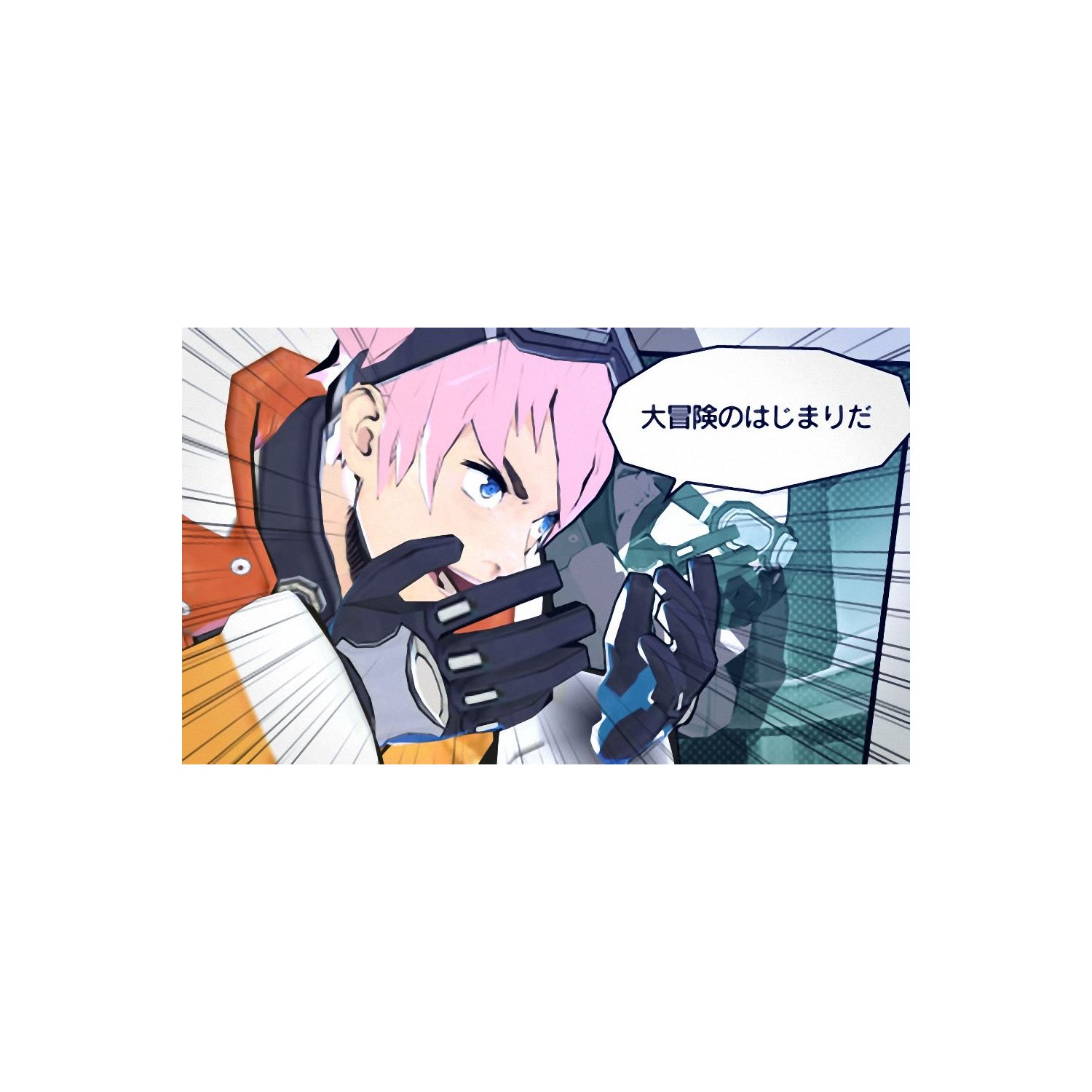
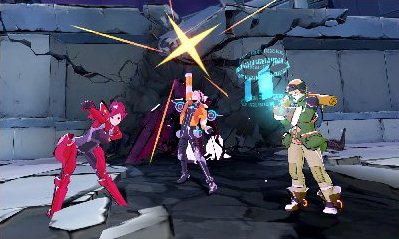
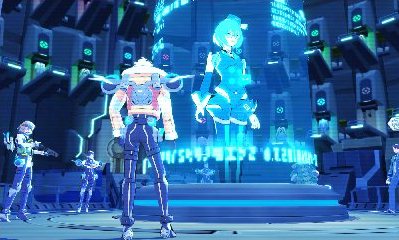
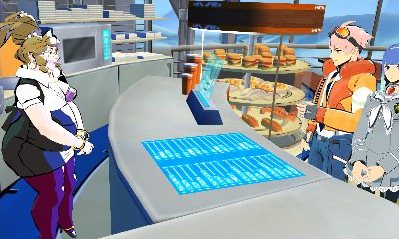
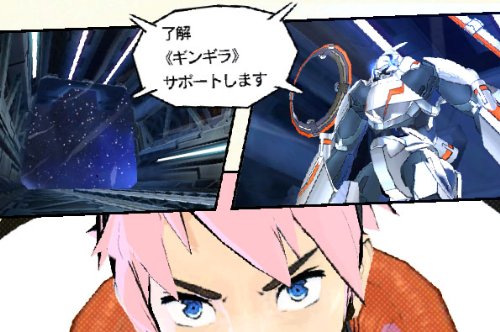
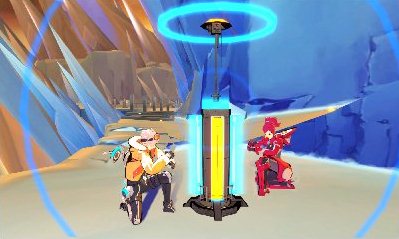
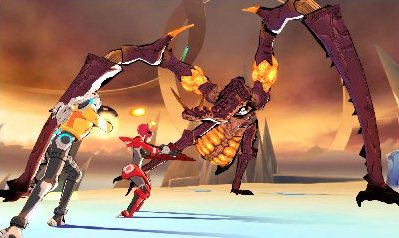
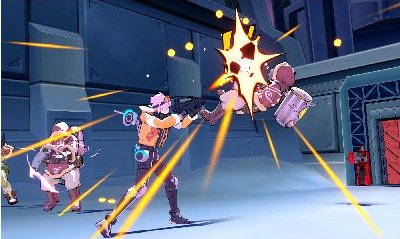
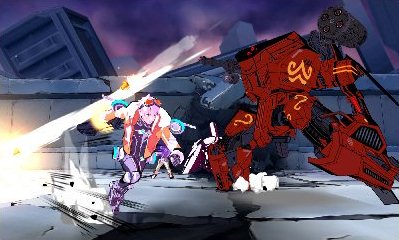
E.X. Troopers 3DS screenshots
Posted on 13 years ago by Brian(@NE_Brian) in 3DS, Screenshots | 0 comments






Professor Layton vs. Ace Attorney play video
Posted on 13 years ago by Brian(@NE_Brian) in 3DS, Videos | 0 comments
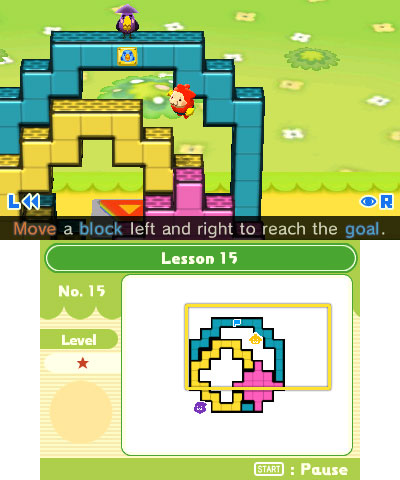
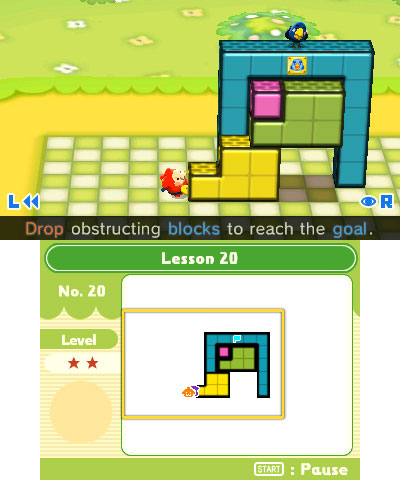
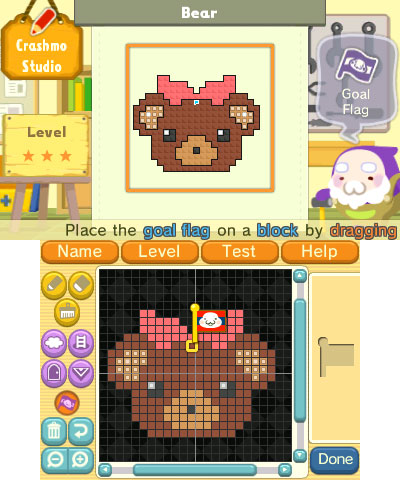
Screenshots of this week’s Nintendo Downloads (11/22/12)
Posted on 13 years ago by Brian(@NE_Brian) in 3DS eShop, DSiWare, Screenshots, Wii Shop Channel | 0 comments
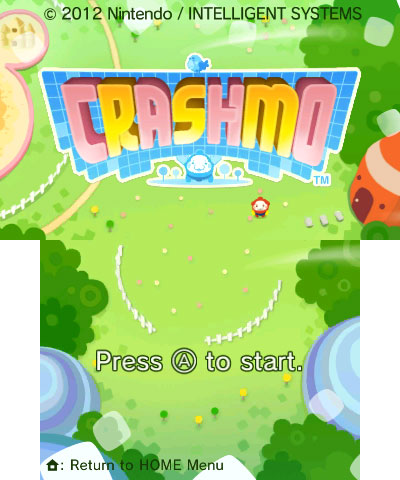
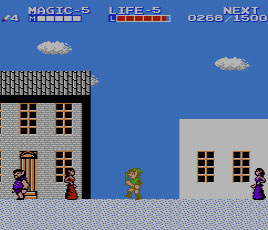
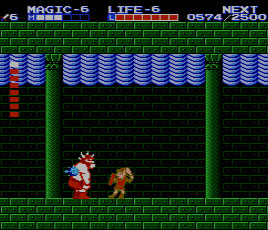
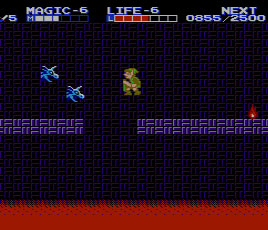
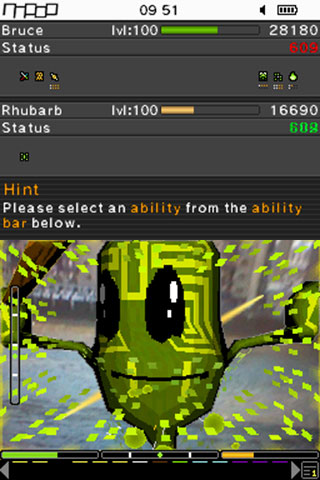
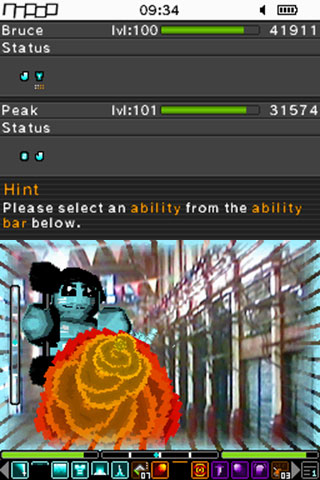

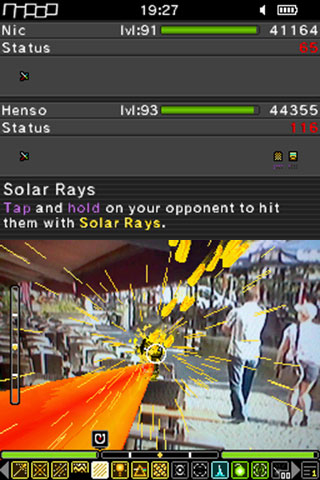
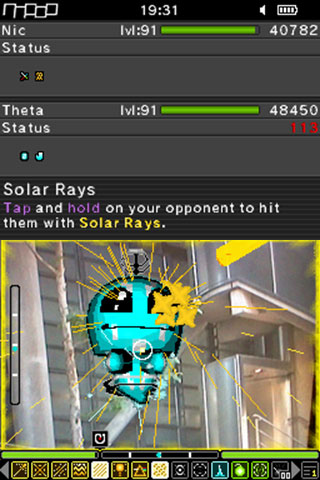


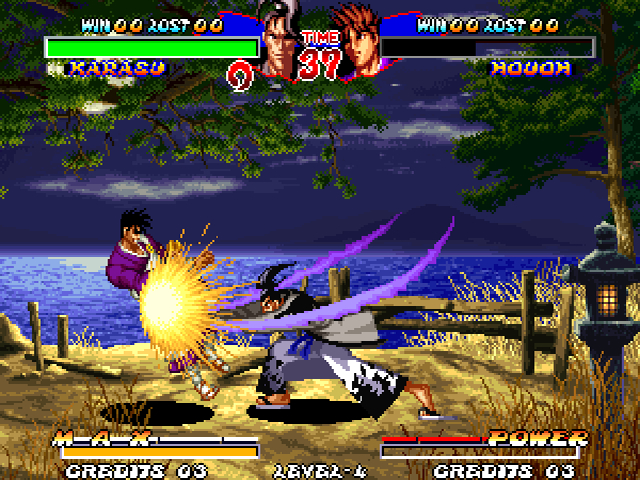
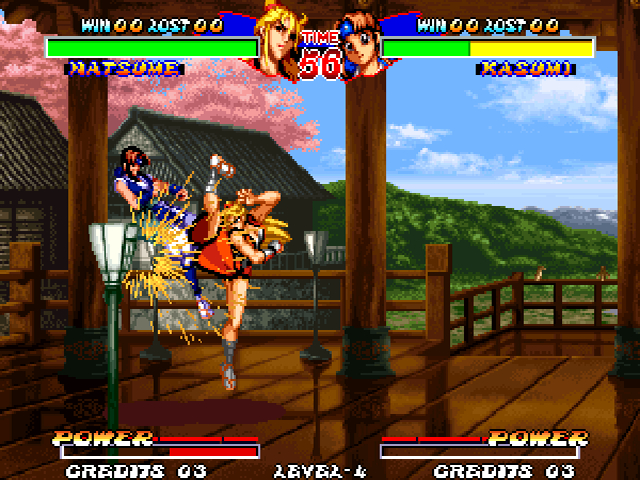
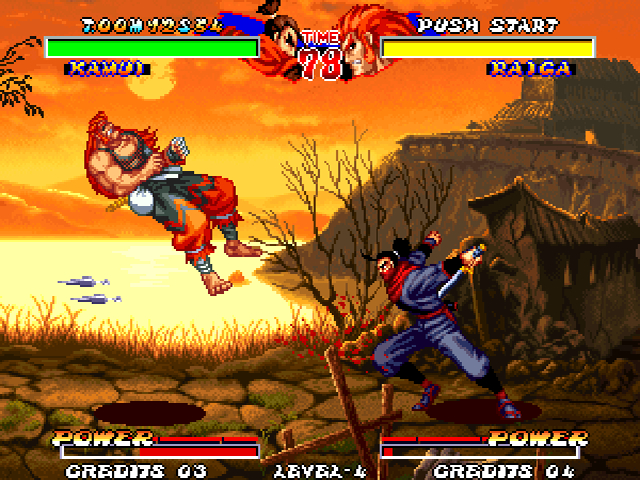
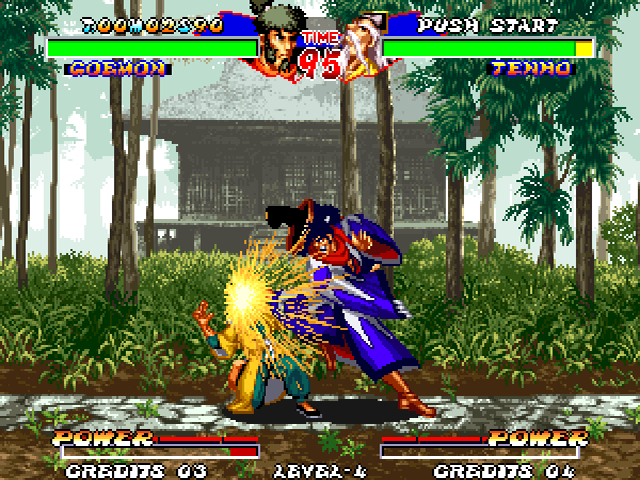
Fist of the North Star: Ken’s Rage 2 trailer
Posted on 13 years ago by Brian(@NE_Brian) in Videos, Wii U | 0 comments
Game Party Champions launch trailer
Posted on 13 years ago by Brian(@NE_Brian) in Videos, Wii U | 0 comments
Etrian Odyssey IV: Legends of the Titan boxart
Posted on 13 years ago by Brian(@NE_Brian) in 3DS, Images | 0 comments

A half hour of Epic Mickey: Power of Illusion footage
Posted on 13 years ago by Brian(@NE_Brian) in 3DS, Wii U | 0 comments
Scribblenauts Unlimited hitting Europe next year
Posted on 13 years ago by Brian(@NE_Brian) in 3DS, News, Wii U | 0 comments
Scribblenauts Unlimited made it out in North America this month. European gamers will need to wait until 2013 to play the game.
5th Cell says Scribblenauts Unlimited will be hitting the continent on an unspecified date next year. Further information is not available at this time.
Assassin’s Creed III can output 3D on Wii U GamePad
Posted on 13 years ago by Brian(@NE_Brian) in News, Podcast Stories, Wii U | 0 comments
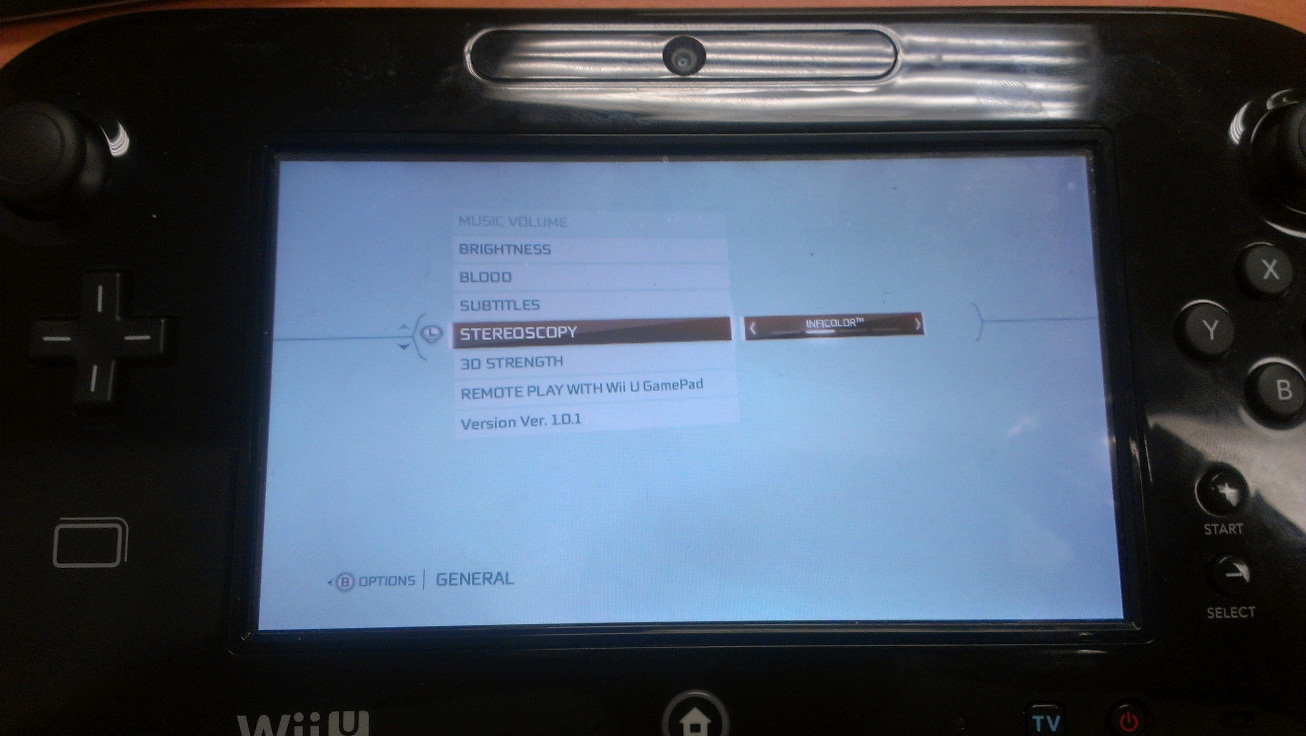
The Wii U is capable of showing 3D visuals on the GamePad. Assassin’s Creed III in particular supports such functionality.
By choosing a stereoscopy setting, you can initiate a 3D display. This isn’t like the 3DS tech, however – you’ll need a pair of green and magenta 3D glasses to view the effect.
Options include “off”, “inficolor”, “side-by-side” and “top-bottom” displays. Players can also set the 3D strength on a scale of 0-10.


